
Protecting a folder with a password
Make part of your website, such as a test site, accessible only with a username and password.
Want only certain people to see part of your website, for example a test version or a folder with documents? Protect the folder with a password. The browser then asks for a username and password before the page opens.
Protecting a folder
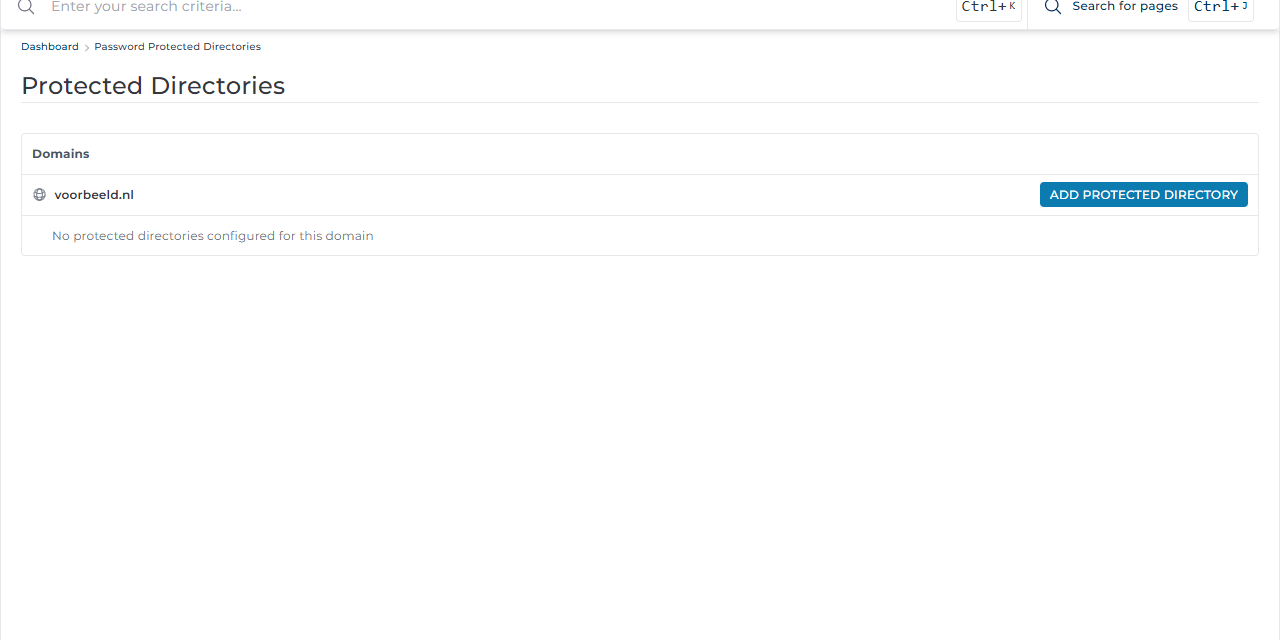
- Go to Advanced Features → Password Protected Directories.
- Click Add Protected Directory next to the domain.
- Under Path, choose the folder, for example
domains/test.voorbeeld.nl/public_htmlfor a subdomain with a test site. - Under Directory realm, enter a short text that visitors see in the login box, for example Test site.
- Click Protect.
- Then add one or more users, each with their own username and password.
The protection also applies to every folder below it.
Good to know
- These users are separate from your DirectAdmin account and from email addresses. Give them their own strong password.
- Do not protect WordPress's
wp-adminfolder this way without testing: some plugins need access towp-admin/admin-ajax.php. - Always use https. Without https, the username and password travel over the internet unencrypted.
- Search engines cannot enter a protected folder, which makes this a good way to keep a test site out of Google.