
Catch-all and mailing lists
What happens to mail sent to non-existent addresses, and creating a simple mailing list.
Catch-all
The catch-all decides what happens to mail sent to an address that does not exist, for example a typo such as ifno@voorbeeld.nl.
Go to Advanced Features → Catch-All E-mail and choose:
| Option | What happens |
|---|---|
| Disable catch-all (recommended) | The sender is told the address does not exist. |
| Drop all mail sent to a non-existent mailbox | The mail is accepted and silently discarded. The sender hears nothing. |
| Custom email address | All mail to non-existent addresses goes to an address you choose. |
Click Save.
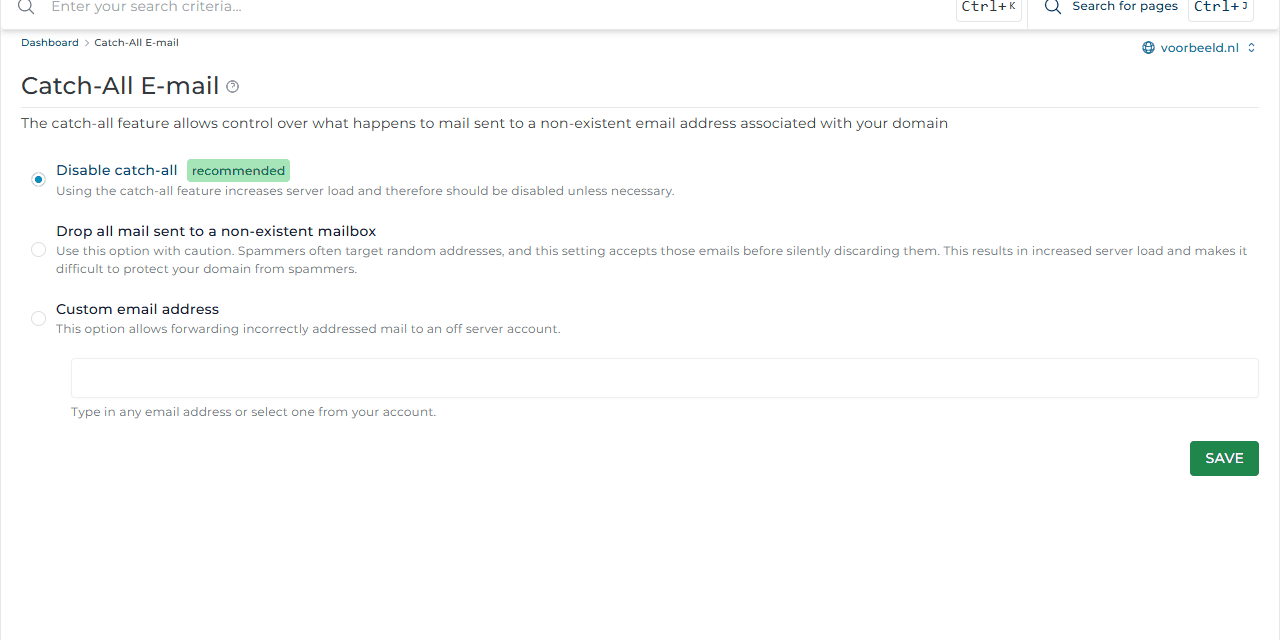
Preferably leave the catch-all off. Spammers send mail to random addresses. With a catch-all, all of that spam lands with you and the server gets busier. Missing mail sent to an old address? Create a forwarder for exactly that address instead.
Mailing lists
With a mailing list you send one email to a fixed address, for example team@voorbeeld.nl, and every member receives it.
- Go to E-mail Manager → Mailing Lists and click Create Mailing List.
- Enter the name, for example
team, and click Create. - Click the list to add or remove members.
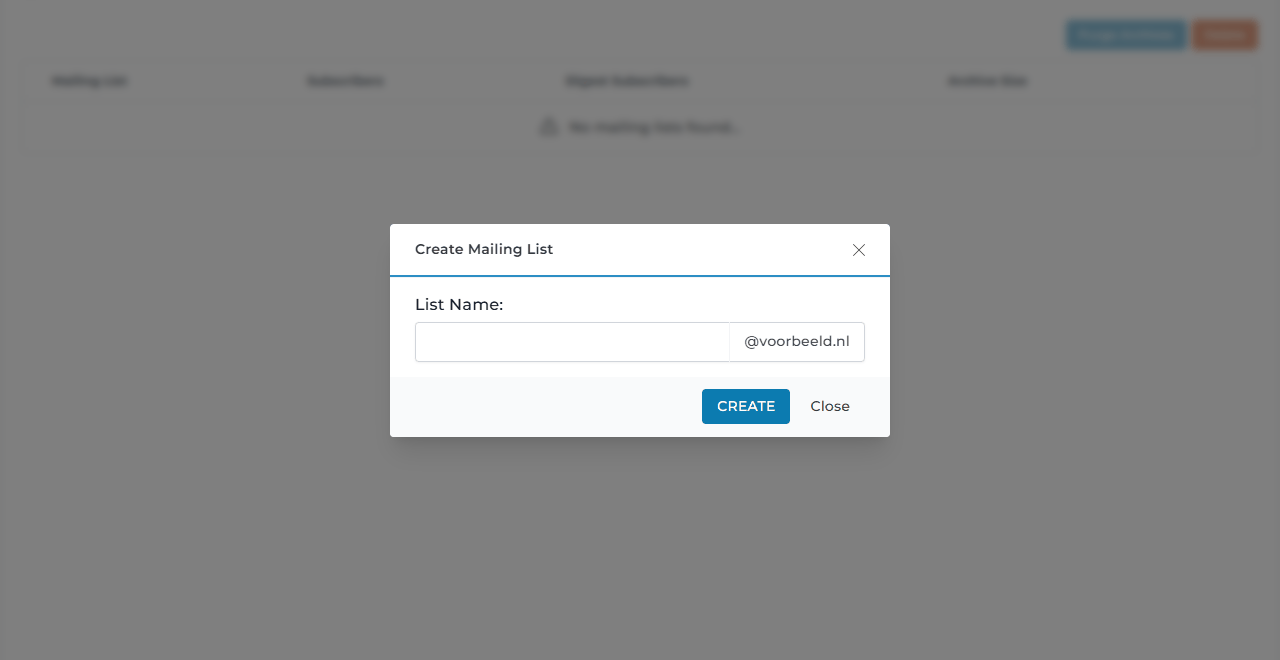
A mailing list is meant for small groups, such as a team or a club. For newsletters to customers, a newsletter service with an unsubscribe link and statistics works better. Each mailbox also has a daily sending limit.