
Databases and phpMyAdmin
Create a MySQL database for WordPress or another application, manage users and open phpMyAdmin.
Many websites, such as WordPress and online shops, store their data in a database. You create it in DirectAdmin.
Installing WordPress or another application via Softaculous? Then the database is created automatically and you do not need this article.
Creating a database
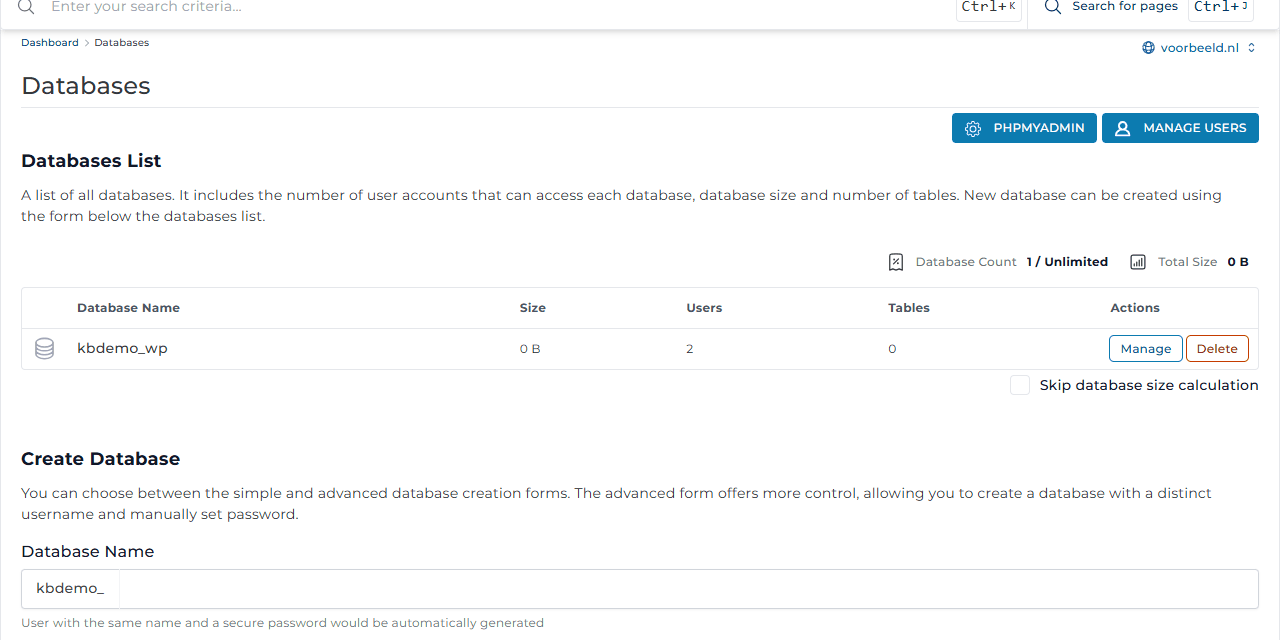
- Go to Account Manager → Databases.
- Under Create Database, enter a name. Your username and an underscore are already in front of it, for example
kbdemo_wp. - Click Create. A user with the same name and a strong password is created. The Database created window shows the details. Write down the password before you click Dismiss.
Want to choose the username and password yourself? Turn on Advanced mode first.
Details for your application
| Setting | Value |
|---|---|
| Database name | for example kbdemo_wp |
| Username | for example kbdemo_wp |
| Password | the password you got when creating it |
| Host (server) | localhost |
For WordPress you enter these details during installation, or in wp-config.php.
Users and permissions
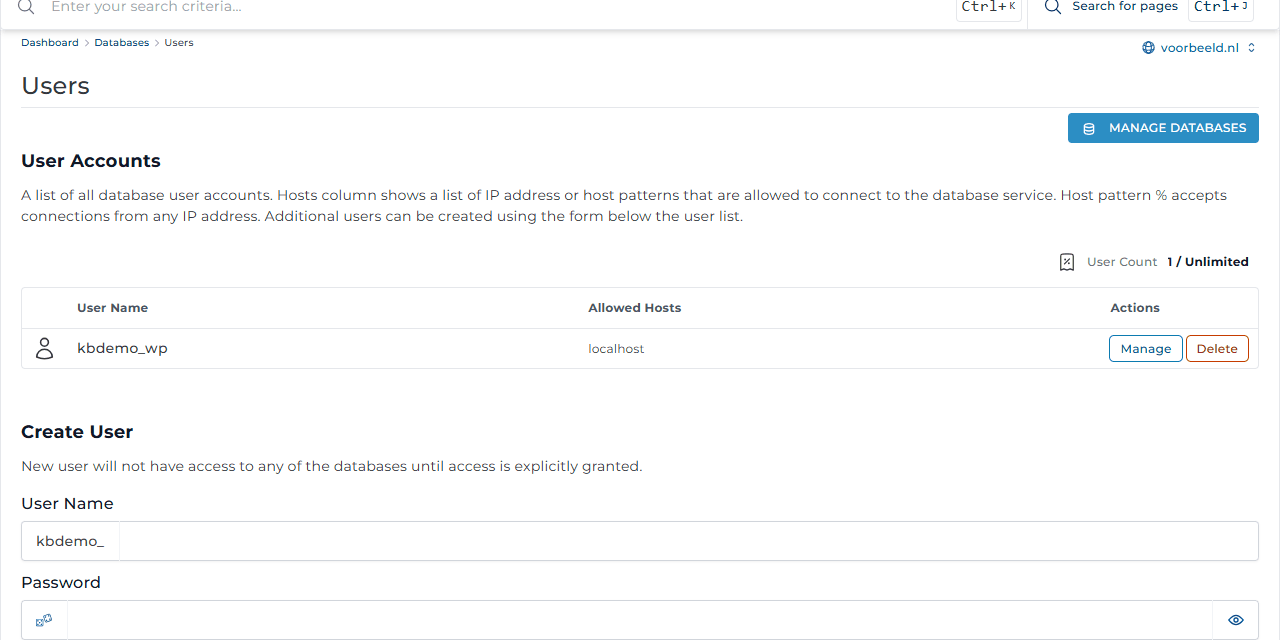
Manage Users lets you manage database users. You can give a user access to more databases, set a new password or create an extra user, for example with read-only rights. Allowed Hosts shows which computers the user may connect from. By default that is only localhost, the server itself.
Want to connect to the database from outside, for example with a program on your own computer? Create a ticket and we will work out a safe option with you.
phpMyAdmin
phpMyAdmin lets you view and edit a database's contents in your browser. Click phpMyAdmin in Databases, or go to Extra Features → phpMyAdmin.
- Export (make a copy): choose the database, click Export and then Go.
- Import: choose the database, click Import, choose your
.sqlfile and click Go.
Do not change anything in phpMyAdmin unless you are sure what you are doing. Always make an export first.
Deleting
Tick the database and click Delete. All data in the database is then gone. Make a backup first.