
Tracking email and moving a mailbox
See whether a message was sent or delivered, and move email from another provider with IMAPSync.
E-mail Tracking: where is my mail?
A message not arriving, or someone says they emailed you? E-mail Tracking shows what the server did with a message.
- Go to E-mail Manager → E-mail Tracking.
- Choose the period with From and To.
- Under Address, enter the sender's or recipient's email address.
- Optionally filter by State (for example delivered or rejected) and click Search.
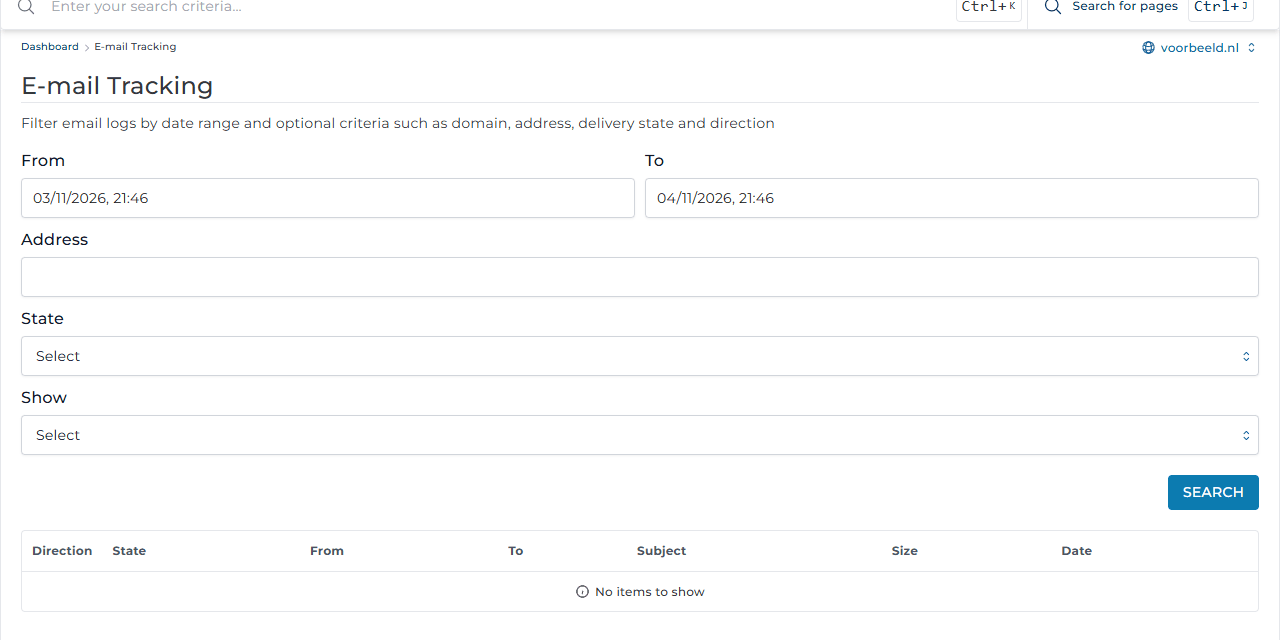
For each message, the results show the direction (incoming or outgoing), status, sender, recipient, subject and time. Was a message rejected? The reason is shown, for example a full mailbox or an address that does not exist. Still stuck? Create a ticket with the address and time.
IMAPSync: moving mail from another provider
Moving your email to Knippin? IMAPSync copies all folders and messages from your old mailbox.
- First create the mailbox at Knippin, see Creating email addresses.
- Go to E-mail Manager → IMAPSync Migrations and click Import E-mails.
- Under Source, enter your old provider's details: the IMAP server (Host), the username (User) and the password.
- Under Destination, choose the Knippin mailbox and enter its password.
- Click Start Migration.
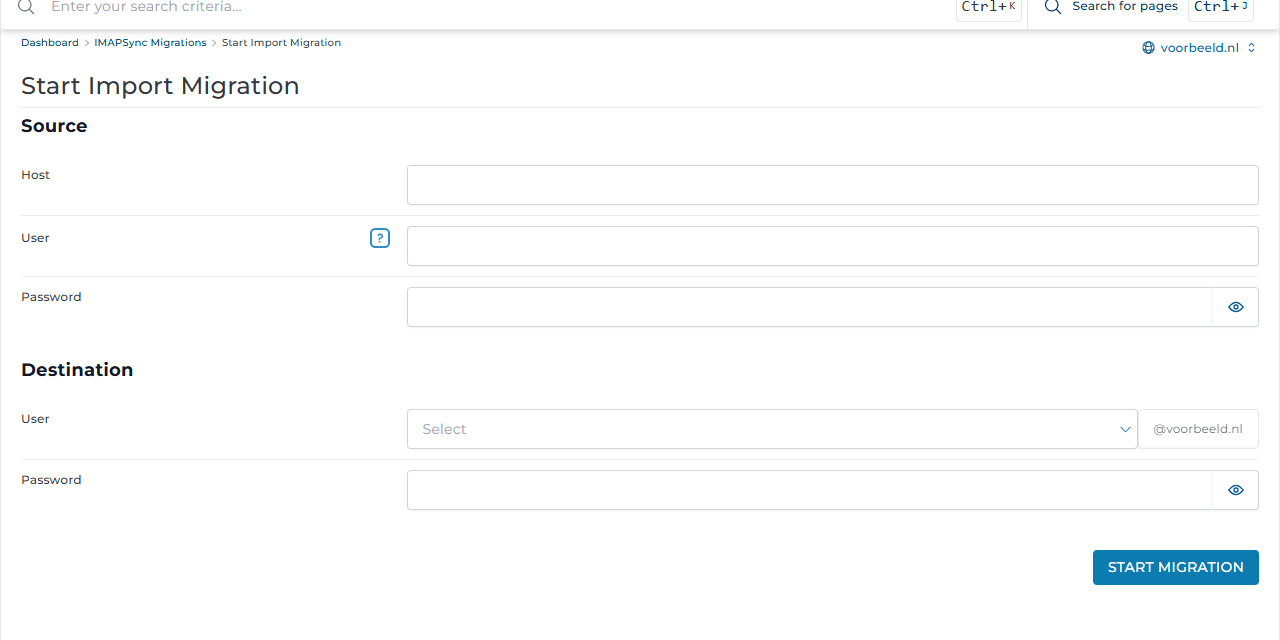
The migration runs in the background. The overview shows its progress; Reload refreshes the list. A large mailbox can take a few hours.
Start the migration before you change the MX records or nameservers, and run it once more after the switch. That picks up the last messages that still arrived at the old provider, without creating duplicates.
Export E-mails works the other way round: it moves a Knippin mailbox to another server.