
Advanced: scripts, permissions, MIME types and Nginx templates
For developers: CGI and Perl scripts, file permissions, Apache handlers, MIME types and Nginx templates.
This article is for developers and advanced users. For a normal website or WordPress you usually do not need it.
Web server and .htaccess
Knippin servers run Nginx in front of Apache. Nginx quickly serves static files; Apache handles the rest. As a result, .htaccess files simply work, for example for redirects or WordPress permalinks.
PHP scripts
PHP files (.php) work in any folder under public_html. For the version and settings, see PHP version and settings. Running a script on a schedule? See Cron jobs.
Paths you will often need:
| What | Path |
|---|---|
| Your website | /home/username/domains/voorbeeld.nl/public_html |
| PHP on the command line | php (or /usr/local/bin/php) |
| Perl | /usr/bin/perl |
CGI and Perl scripts
Put CGI scripts in a cgi-bin folder in public_html; create it if it does not exist yet. Check that CGI Access is on for the domain (Account Manager → Domains → your domain).
- The first line of a Perl script is
#!/usr/bin/perl. - Upload the script as text (in FTP: ASCII mode) so the line endings are correct.
- Give the script permissions
755.
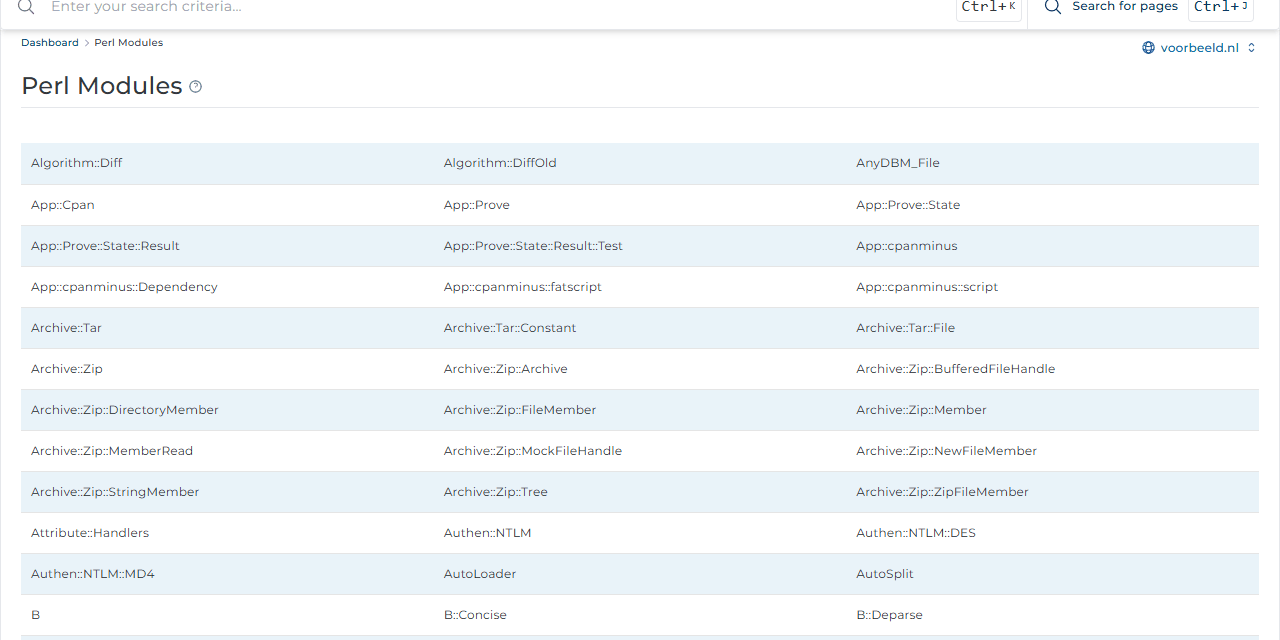
System Info & Files → Perl Modules lists the available Perl modules. Missing one? Create a ticket.
File permissions
Change permissions in the File Manager with Set permissions, or in your FTP client.
| Permissions | For |
|---|---|
644 |
Normal files: HTML, images, PHP files |
755 |
Folders and CGI scripts |
600 |
Files containing passwords, such as a configuration file |
Never use
777. That lets anyone on the server change the file. At Knippin, PHP runs as your own user, so644and755are always enough.
Apache handlers
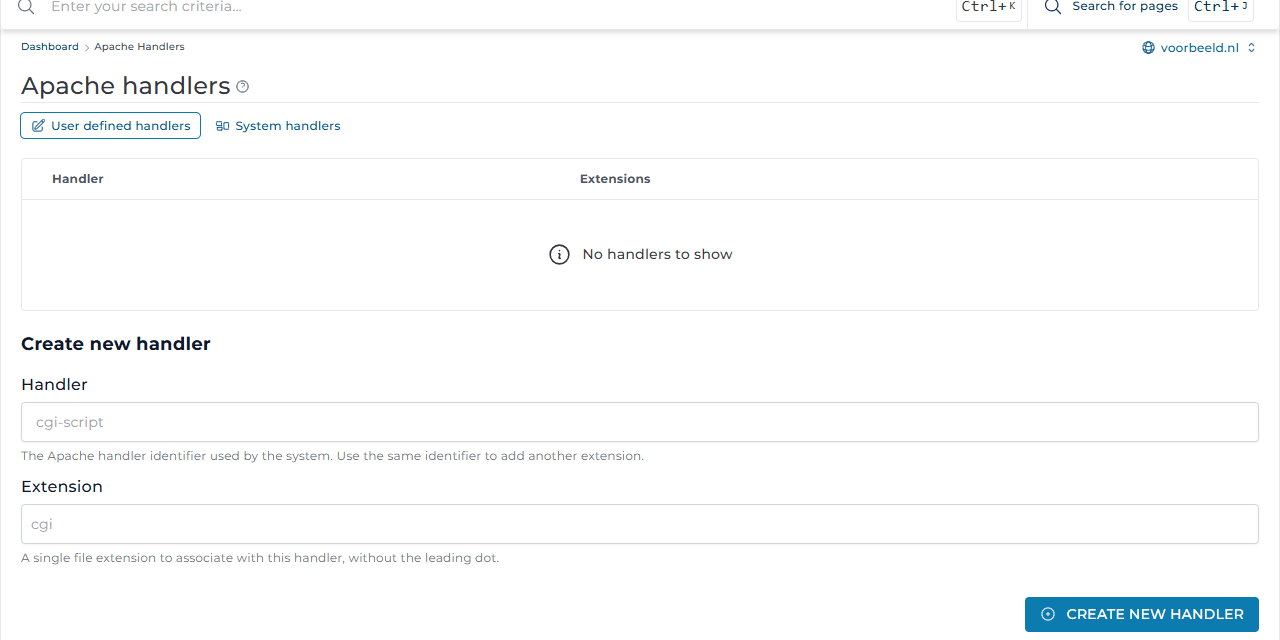
Advanced Features → Apache Handlers links a file extension to a handler. For example, run .html files as CGI by linking handler cgi-script to extension .html. System handlers shows what is set up by default.
MIME types
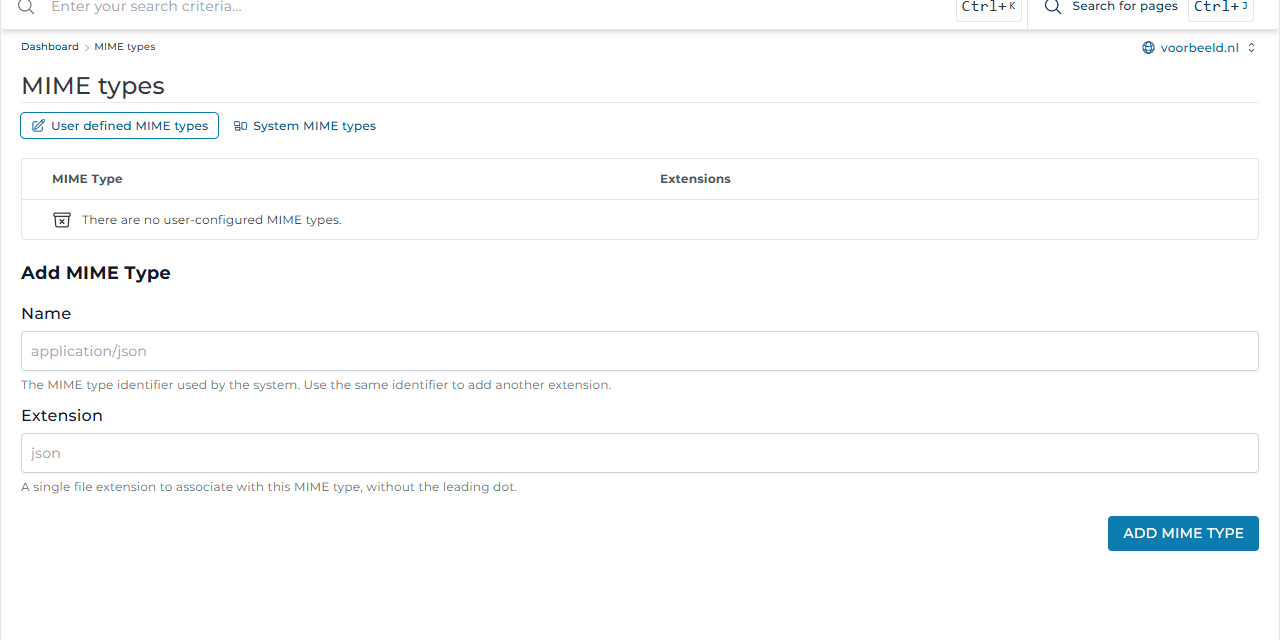
A MIME type tells the browser what kind of file it is. Is a file downloaded instead of displayed, or the other way round? Add the right type under Advanced Features → MIME types, for example application/json for extension json. System MIME types lists the defaults.
Nginx templates
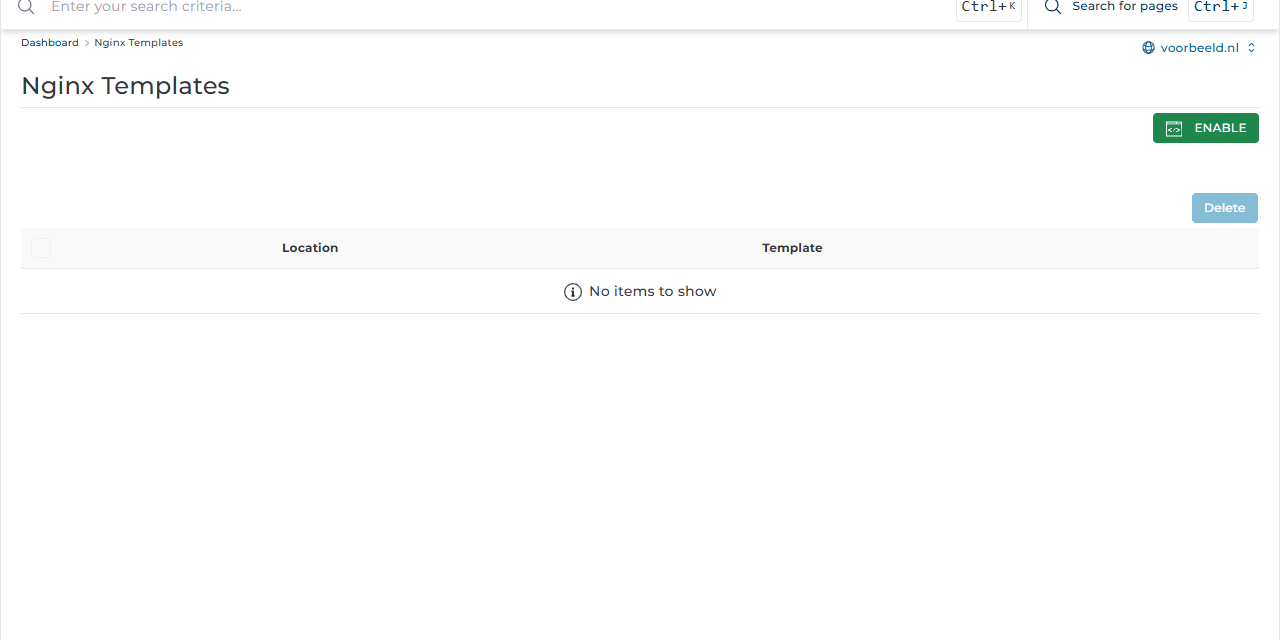
Some applications, such as Laravel or a shop that works without .htaccess, need special Nginx rules. Under Advanced Features → Nginx Templates you turn on ready-made templates with Enable and Add Template: choose a location (folder) and a template.
Not sure which template you need, or looking for a custom rule? Create a ticket.
SSH and Redis
SSH access and Redis are off by default. Need them, for example for Git, Composer or caching? Create a ticket and we will look at the options.